The crecex app puts a full casino right in your pocket. Slots, Live Casino, Sports Betting — all in one app. Install it, log in, and start playing.
Safe Installation — Virus-Free & Official File
Most people today spend far more time on their phones than on a computer. With that in mind, crecex has built a fully featured mobile app that brings everything from the desktop experience right to your fingertips.
The crecex app isn't just a mobile version of the website — it's been purpose-built for mobile users. Clean layouts on small screens, fast loading, touch-friendly controls, and smooth gameplay even on low data usage make the crecex app truly stand out.
The crecex app is available on both Android and iOS. Android users can download the APK file directly and install it on their device, while iOS users can download it from the App Store. The installation process is straightforward and takes just a few minutes.
Logging into the crecex app gives you access to everything available on the website — checking your balance, deposits, withdrawals, playing games, claiming bonuses, and reaching live support. No need to open a browser separately.
Whether you're on Android or iOS, the crecex app delivers the same seamless experience on every device.
Download the APK file directly. To install, enable "Unknown Sources" in your device Settings. Just 45 MB — compatible with any Android 5.0+ device.
Download from the App Store for iPhone and iPad. No special settings changes are required. Just 38 MB — compatible with all iOS 12.0+ devices.

Go to your phone's Settings > Security and enable "Install unknown apps" or "Unknown Sources".
Download the APK file directly from the crecex website or app page. The file is official and safe.
Tap the downloaded APK file and hit the "Install" button. The installation will complete within seconds.
Open the app, log in to your crecex account, and jump straight into the games.
Open the App Store on your iPhone or iPad and search for "Crecex" in the search bar.
Once you find the crecex app, tap the "Get" button. Confirm with Face ID or Touch ID.
Downloading and installation happen automatically. It may take 1-2 minutes depending on your internet speed.
Tap the crecex icon on your home screen, log in, and pick the game you want to play.

The crecex app goes beyond just gaming — it comes packed with features that take your mobile gaming experience to a whole new level.
Log in instantly with your fingerprint or Face ID. No more remembering passwords — and your account stays secure.
New bonuses, tournament kicks off, deposit confirmations — all updates delivered straight to your phone.
Even without an internet connection, you can still view your past game history, transaction records, and account details.
Switch on Dark Mode for a more comfortable viewing experience when playing at night. It also helps save battery life.
The entire crecex app interface is available in Bangla. Menus, notifications, and support — all in Bangla.
Every connection is secured with 256-bit SSL encryption. Your data and funds are always protected.
| Topic | Android | iOS |
|---|---|---|
| Minimum OS Version | Android 5.0 (Lollipop) | IOS 12.0 |
| Recommended OS Version | Android 10.0+ | IOS 15.0+ |
| File Size | 45 MB | 38 MB |
| RAM Requirements | Minimum 2 GB | Minimum 2 GB |
| Internet Speed | Minimum 3 Mbps | Minimum 3 Mbps |
| For Live Streaming | 5+ Mbps Recommended | 5+ Mbps Recommended |
| Biometric Support | Fingerprint | Face ID / Touch ID |
| Language | Bangla, English | Bangla, English |
| How to Update | Directly from the App | App Store Auto-Update |
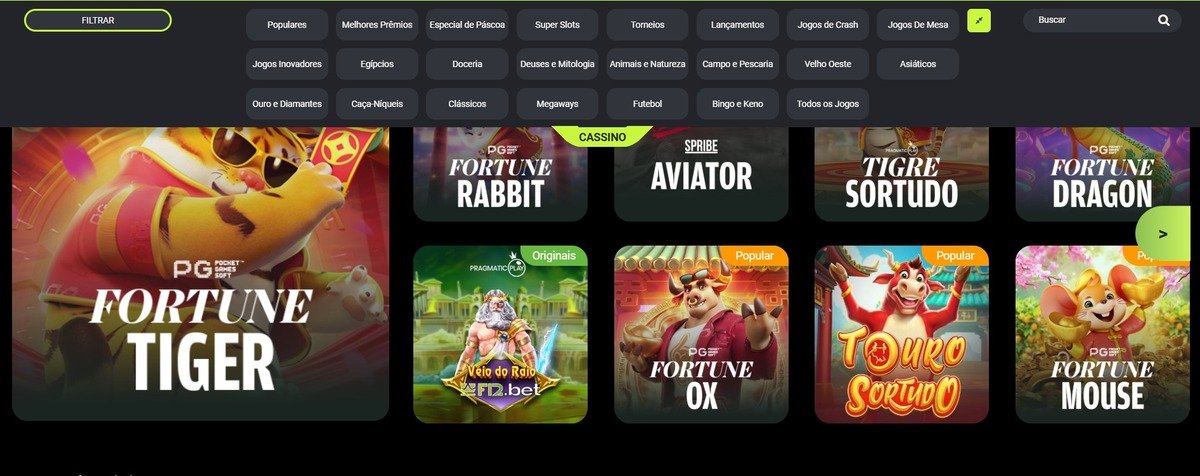
The crecex app offers over 500 slot games, all optimized for mobile screens and looking great even on smaller displays. Spinning reels and triggering bonus rounds is effortless with touch controls. When your connection is slow, the crecex app automatically reduces graphics to keep gameplay smooth.
The Live Casino section of the crecex app lets you play Baccarat, Blackjack, Roulette, and Poker with real dealers. HD video streams look great on mobile, and you can chat with the dealer directly — making the experience feel truly immersive.
Cricket, football, tennis — whatever your sport, the crecex app lets you place in-play bets in real time while the match is live. Live score updates, shifting odds, and fast bet placement feel so natural on mobile, you'll forget you're playing from your phone.
Through the crecex app, you can make deposits via mobile banking or bank transfer in just seconds. Withdrawals are equally simple — submit your request directly from the app and receive your funds quickly. Every transaction record is stored within the app.
Crecex app users get access to exclusive mobile bonuses that can only be claimed through the app. Push notifications keep you informed the moment new offers go live, so you can activate bonuses before they expire. VIP members enjoy even more perks when using the app.
For any issue, crecex app's live chat support is available 24/7, all week long. Support is available in Bengali, so explaining and resolving problems is effortless. Most issues are sorted out within just a few minutes.

Sign up and enjoy the best mobile gaming experience — anytime, anywhere.